Booking by inquiry
Every inquiry needs someone on your team to follow up.
- A parent sends an inquiry
- Someone checks the calendar
- Your team calls or texts back
- You agree on a package
- You send payment details
- Someone checks the payment arrived
From an open slot to a paid booking
Parents choose a date, package, and add-ons, enter the party details, and pay online. No phone tag, no manual availability checks, no chasing payments.
14-day free trial · No commission on your bookings
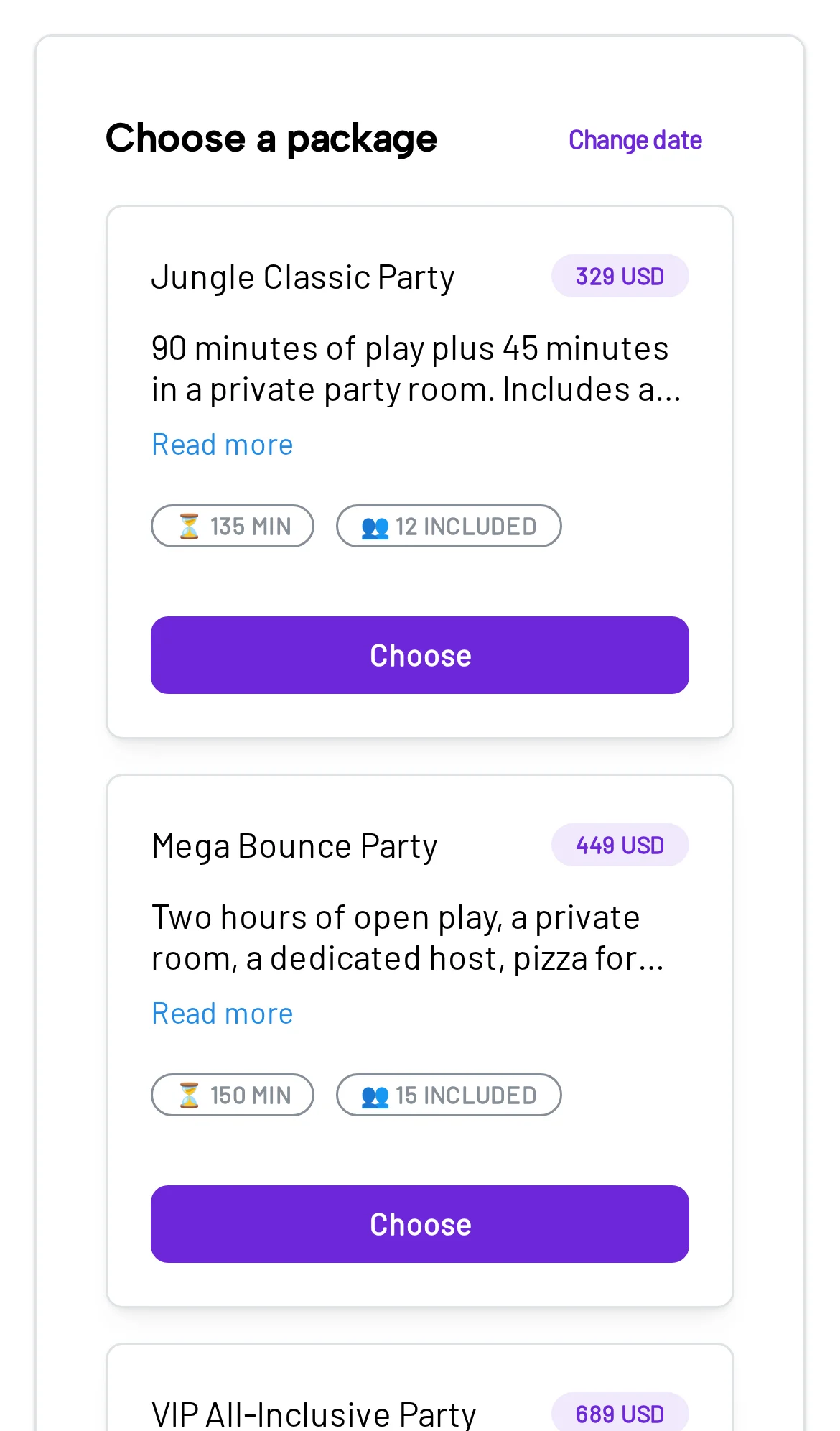
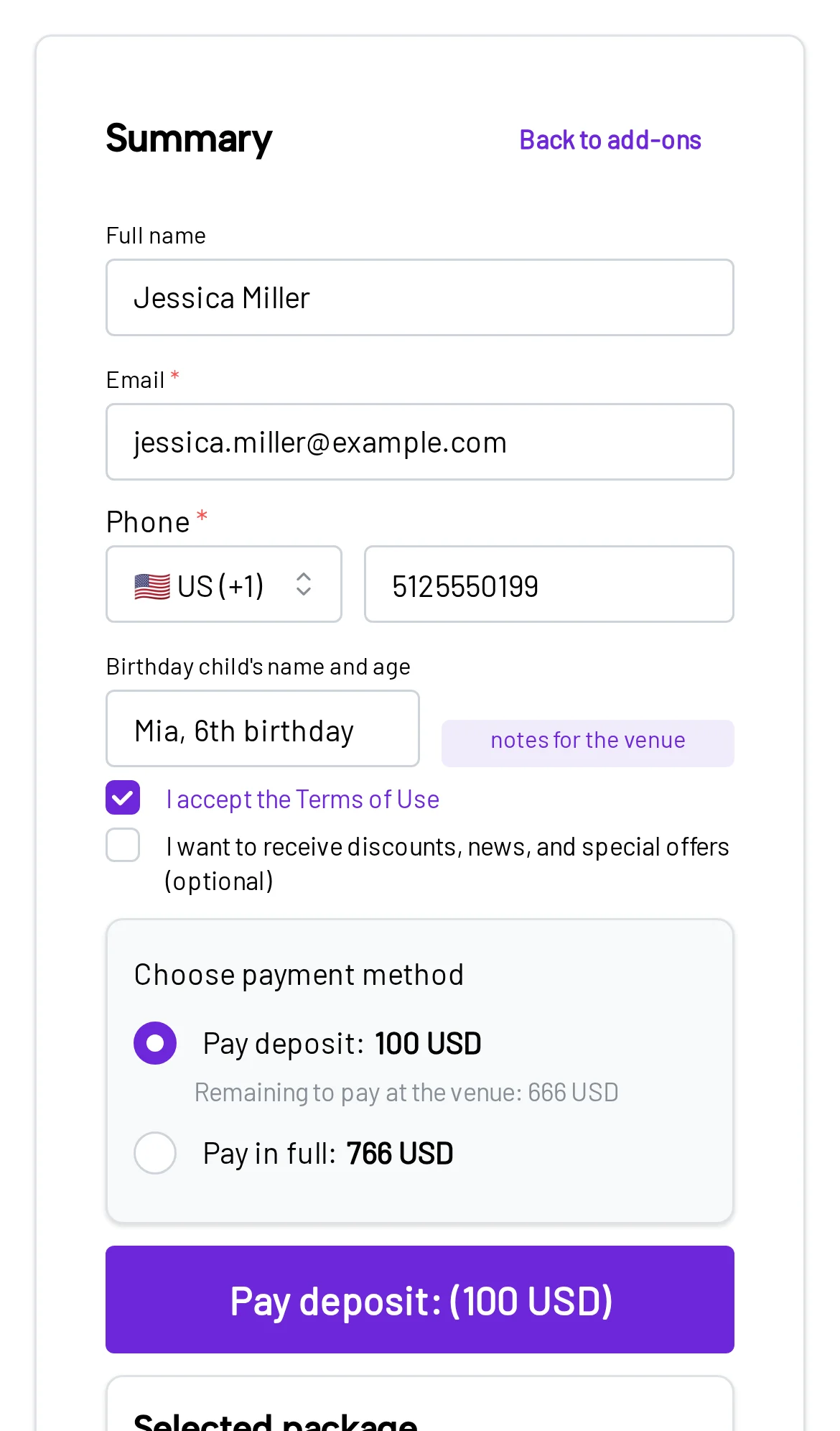
Before and after
Compare the usual back-and-forth with what happens when parents can book online.
Every inquiry needs someone on your team to follow up.
The parent goes from an open time to a confirmed booking on their own.
How it works
The booking flow walks parents through each decision. Every option comes from your packages, rooms, and availability.
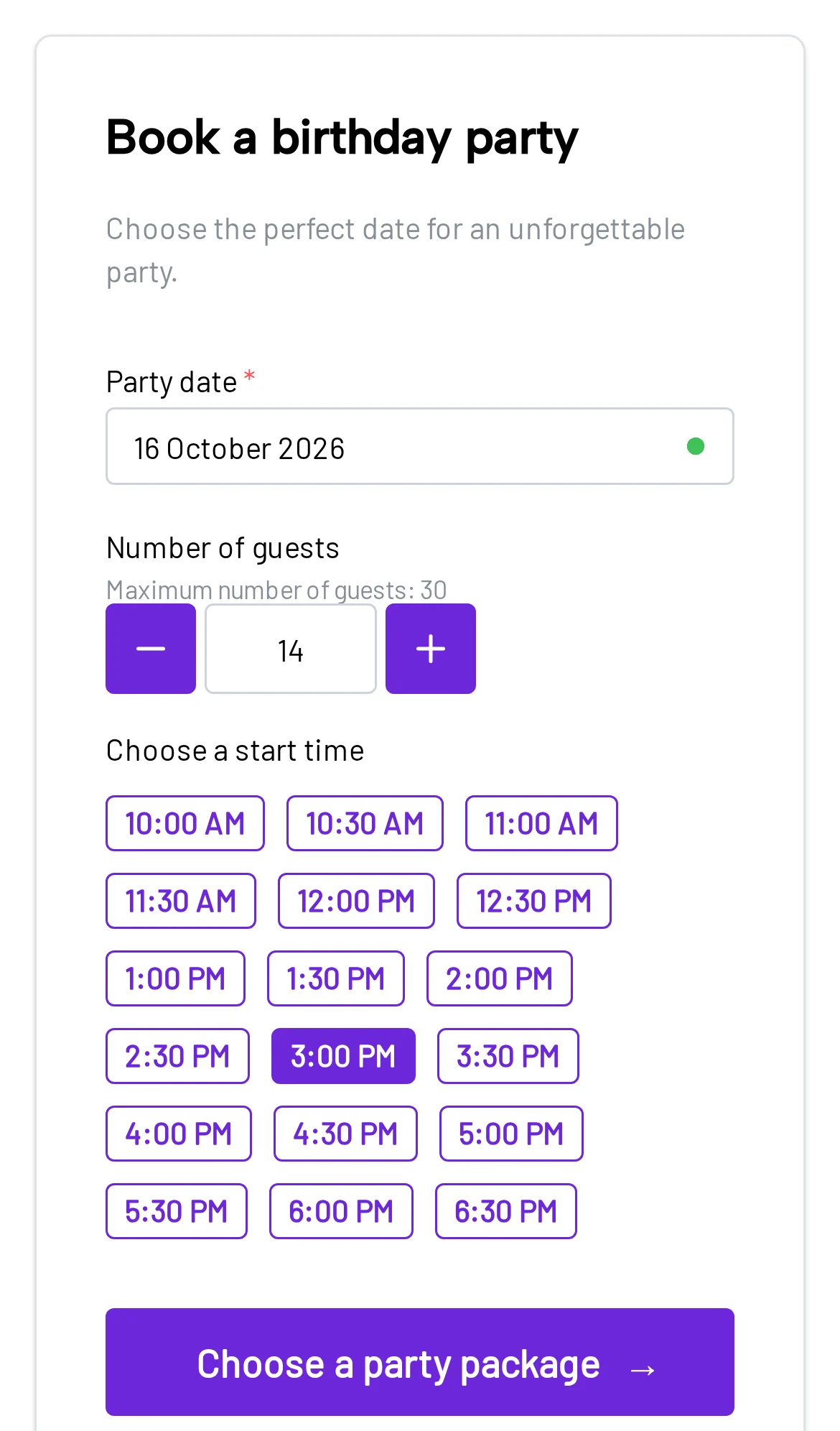
The parent chooses a day, time, and number of guests. Bounzee shows only the times a room can actually fit the group.
For that time, they compare your packages with price, length, and guests included. If a package has themes, they pick one.
Pizza, decorations, goodie bags, or extra guests. The step is skipped if you don’t sell add-ons.
Contact details, the birthday child, and any questions you ask. No account needed.
Secure Stripe checkout. Depending on your settings, the parent pays the full price or a deposit.
Once paid, the booking is confirmed and the parent receives an email summary.
Payments
The flow doesn’t end with a submitted form. After reviewing the order, the parent goes straight to checkout, and the payment status is saved with the booking.
Parents pay through Stripe, straight into your own Stripe account.
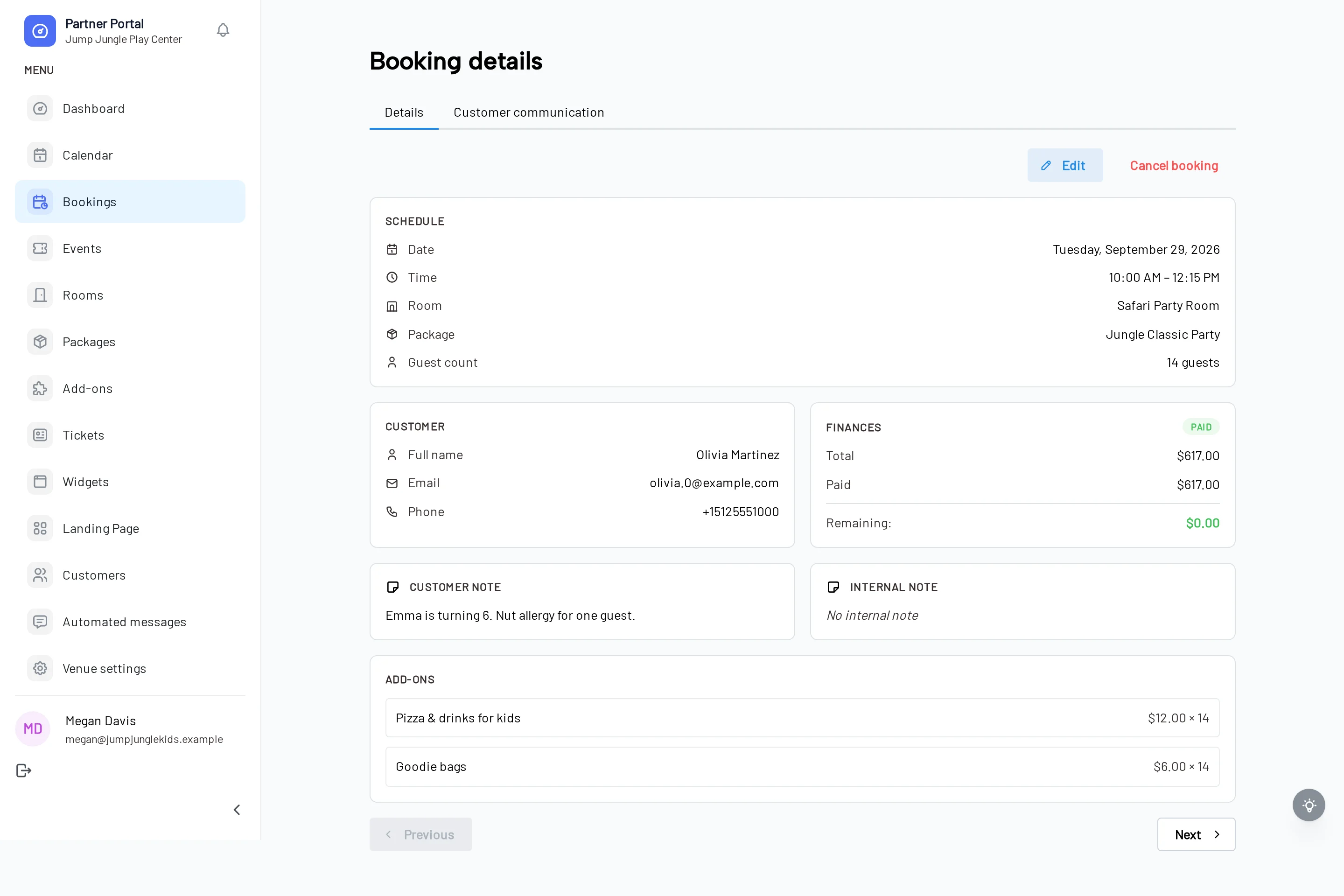
Both sides
Booking 24/7
When a parent plans the party at night, they don’t have to wait for a call back in the morning. They can check availability and book right away.
10:14 PM
A parent starts looking for a party venue.
The parent chooses the day, time, guest count, an available package, and add-ons. After entering their details, they pay online and the booking is confirmed in Bounzee.
Yes. After reviewing the booking, the parent continues to Stripe checkout and pays without waiting for an invoice or payment link from your team.
Yes. Set a percentage or fixed deposit and decide whether parents may also pay in full. The remaining balance stays visible on the booking.
Payments are processed by Stripe and paid out to your own Stripe account. Standard Stripe processing fees apply. Bounzee takes no commission on your bookings.
Yes. Bounzee checks opening hours, rooms, capacity, cleanup time, existing bookings, and closures. If a time is taken before checkout finishes, it can’t be double-booked.
Yes. The booking is created in an available room and marked confirmed after a successful payment. Your team sees it in the dashboard and calendar.
Yes. Embed the Bounzee booking widget on the website you already have. It works with WordPress, Wix, and any site where you can add HTML.
No. Parents enter the contact and party details you need right in the booking flow.
Set your own dates, packages, add-ons, and deposit rules, then start taking paid bookings on your website.
14 days free · No setup fee